 Working on your CDA can feel big, but you don’t have to do it alone. This simple guide walks you through building a clear, professional #portfolio for your #CDA. You will learn how to collect evidence, write #reflective statements, use smart #organization, and get ready for the #verification visit.
Start small, work in order, and remember: state requirements vary - check your state licensing agency.
What should go in my CDA portfolio?
Include the required pieces so the reviewer can follow your story. Use a numbered checklist (it helps!) and collect the items as you finish them. Key items are:
- 📄 Cover page and Table of Contents — name, setting, and clear section list. See a sample cover and tips at How to Build Your CDA Portfolio Step by Step and the CDA Portfolio Sample Buy Now $0.00.
- ✍️ Professional Philosophy Statement (1 page) — what you believe about how children learn and how you work with families. Find a short guide at Creating The CDA Professional Portfolio.
- 📝 Six Reflective Competency Statements — one for each CDA Competency Standard. Use the template in the Reflective Competency Statement Guide.
- 📚 Resource Collection — lesson plans, weekly plan, menus (if needed), family handouts, and community resources. See examples at What Should Be Included in a CDA Portfolio?.
- 👪 Family Questionnaires, professional development certificates, CPR/First Aid, and work experience verification (keep originals if asked).
Tip: label each item with which Competency Goal it supports. For a printable checklist, use the CDA Portfolio Checklist.
How should I organize and present the portfolio so it looks professional?
Good presentation helps the PD Specialist find proof of your work quickly. Follow these numbered steps:
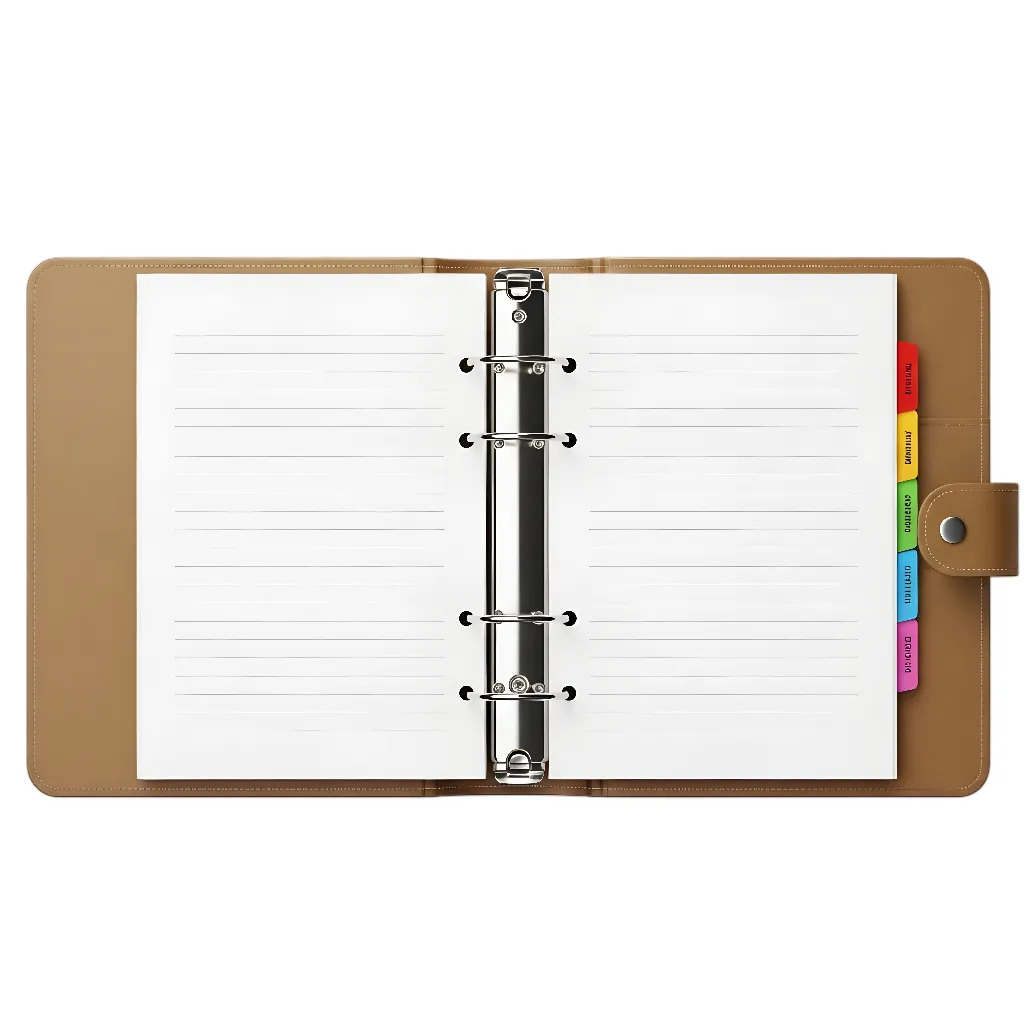
- Choose a format: binder with tabs or a clean PDF. ChildCareEd offers binder templates and e-portfolio FAQs at Organizing Your CDA Portfolio.
- 🔖 Use numbered tabs that match the Table of Contents (Philosophy, Statements, Resource Collection, Family Questionnaires, Certificates).
- 📝 Add a one-paragraph cover note for each tab telling the reviewer what’s inside and which Competency it supports.
- 📎 Label evidence: write a short note like: “Weekly Plan — Supports Goal II: Physical & Intellectual.” This little step saves time for everyone.
- 📸 Photos: remove faces or add written parent permission. See sample rules in the portfolio sample at CDA Portfolio Sample Buy Now $0.00.
Keep fonts simple, one item per plastic sleeve if using a binder, and make a final pass with the CDA Credential Checklist to be sure nothing is missing.
How do I write strong reflective competency statements and a clear philosophy?
Use a short, repeatable formula for each Reflective Competency Statement so your writing is clear and shows your thinking. Follow these four parts:
- 📌 Start: name the Competency Standard. Example: “This statement supports CDA Competency Standard II.”
- 🧩 Tell one real example from your classroom: who was involved, what you did, and what the child(ren) did or learned.
- 💡 Explain why it mattered: link the action to child development or learning goals.
- 🔁 Reflect and plan: end with one thing you will try next time to improve.
Keep each statement about 200–500 words. For templates and step-by-step help, use the Reflective Competency Statement Guide and Template and sample statements in the CDA Portfolio Sample Buy Now $0.00. For your one-page Professional Philosophy follow this short structure:
- What you believe about how children learn.
- What you do each day to support development and safety.
- One short classroom story that shows your values.
Honesty and concrete examples are stronger than “perfect” stories. Link each statement to one item in your Resource Collection so the reviewer can see the proof.
How do I prepare for the Verification Visit and avoid common mistakes?
The Verification Visit is when a PD Specialist reviews your portfolio and observes you with children. Use this numbered plan to feel ready:
- 📂 Finish and organize your portfolio. Make sure everything is in order and labeled. Use the step-by-step guide for final checks.
- 🎯 Plan activities for the observation that show different skills: play, group time, and routines.
- 🗣️ Practice a short Reflective Dialogue: explain why you chose activities and how they help learning.
- 🧰 Prepare your space: clean, safe, labeled learning centers so your work is easy to see.
- 📅 Gather documents in one folder: training certificates, CPR/First Aid, family questionnaires, and work verification.
Common mistakes and fixes:
- ❌ Missing or expired certificates — Fix: check dates and renew before submission.
- ❌ Disorganized binder — Fix: add tabs, a Table of Contents, and mini cover notes for each section.
- ❌ Weak reflective statements — Fix: use the 4-part formula and link each statement to a resource.
- ❌ Waiting until the last minute — Fix: start early, use templates, and ask a colleague to review your draft. ChildCareEd offers portfolio review courses like the CDA Preschool Credential with Portfolio Review
 Buy Now
 $500.00$400.00 and Birth to Five CDA Credential with Portfolio Review Buy Now $399.00$299.00.
After the visit, use any feedback to revise your portfolio and teaching. If you want extra help, consider a guided course with portfolio review so a PD Specialist gives feedback before you submit.
Next steps:
- 📋 Download the CDA checklists and samples at CDA Portfolio Sample Buy Now $0.00.
- ✍️ Draft your philosophy and one Reflective Statement today using the templates linked above.
- 📂 Organize evidence as you collect it so you won’t be rushed later.
FAQ (quick):
- Q: How long should each statement be? A: 200–500 words is a good target. See the guide at Reflective Competency Statement Guide.
- Q: Can I submit a digital portfolio? A: Yes, many candidates use PDFs—check your CDA pathway and course rules. See e-portfolio FAQs.
- Q: Do I need parent permission for photos? A: Yes—get written permission or remove faces.
- Q: Where can I get help? A: A mentor, supervisor, or ChildCareEd PD Specialist can review your portfolio. Consider the portfolio review courses linked above.
You’re doing important work. Take it one step at a time, use the templates and samples, and ask for feedback. Your #portfolio will show the caring, skilled teacher you are.
- 45 Hour Child Growth and Development
- CDA Preschool Credential with Portfolio Review
- CDA Infant/Toddler Credential
- Birth to Five CDA Credential with Portfolio Review
- CDA Family Child Care Credential with Portfolio Review
- CDA Bridge Bundle: Preschool
- CDA Infant/Toddler Credential with Portfolio Review
- CDA Bridge Bundle: Family Child Care
- CDA Bridge Bundle: Infant/Toddler
- Texas Director Credential
- Benefits of the CDA Credential for Oregon Child Care Providers
- Navigating the Path to a Child Development Associate (CDA) Credential in Louisiana
- The CDA Process Explained: Training, Portfolio, Exam, and Verification Visit
- Your Maryland 90-Hour Certification Can Help You Work Toward a CDA
- Online CDA Certification in Georgia
- How to Start Your CDA Certification in Florida Online
- How to Build Your CDA Portfolio Step by Step
- What Should Be Included in a CDA Portfolio?
- Canciones, juegos y preguntas de círculo para niños
- How do I earn a Family Child Care CDA with a clear training plan?
